Migrate data between different database
Below example shows migrate cardId from Wallet db into CDE CardData db
SSMS: Default, no additional plugin needed
Azure Data Studio: SQL Server Import plugin need to install
-
Get data from wallet DB
SELECT CardId,ExternalReferenceId FROM [Card] WITH(NOLOCK) ORDER BY Created DESC
Note: WITH(NOLOCK) only needed for On-Premise database. Azure DB no need
Save the result in CSV.
-
Upload the CSV file in CDE CardData DB
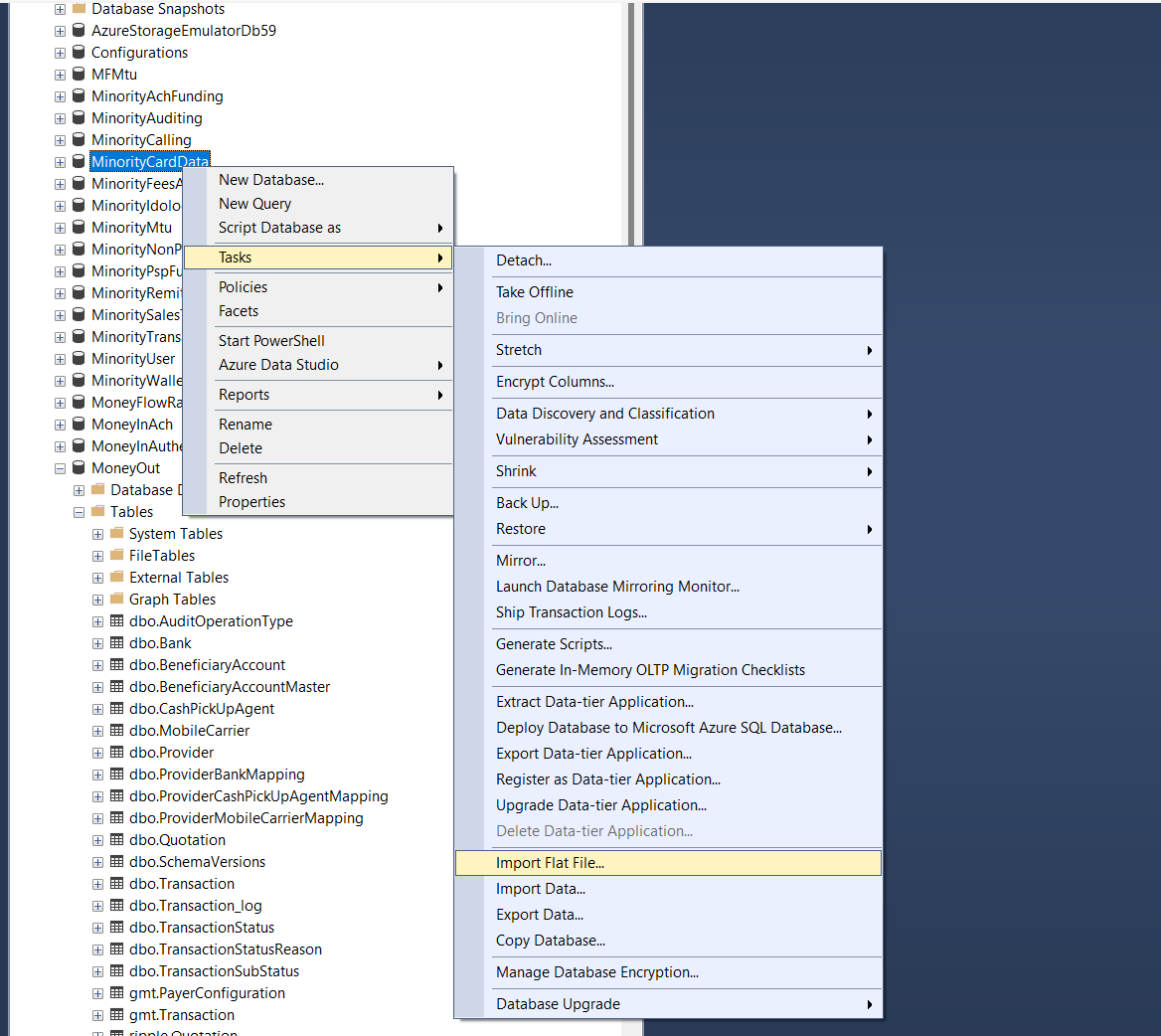
Right Click DB -> Tasks -> Import Flat File
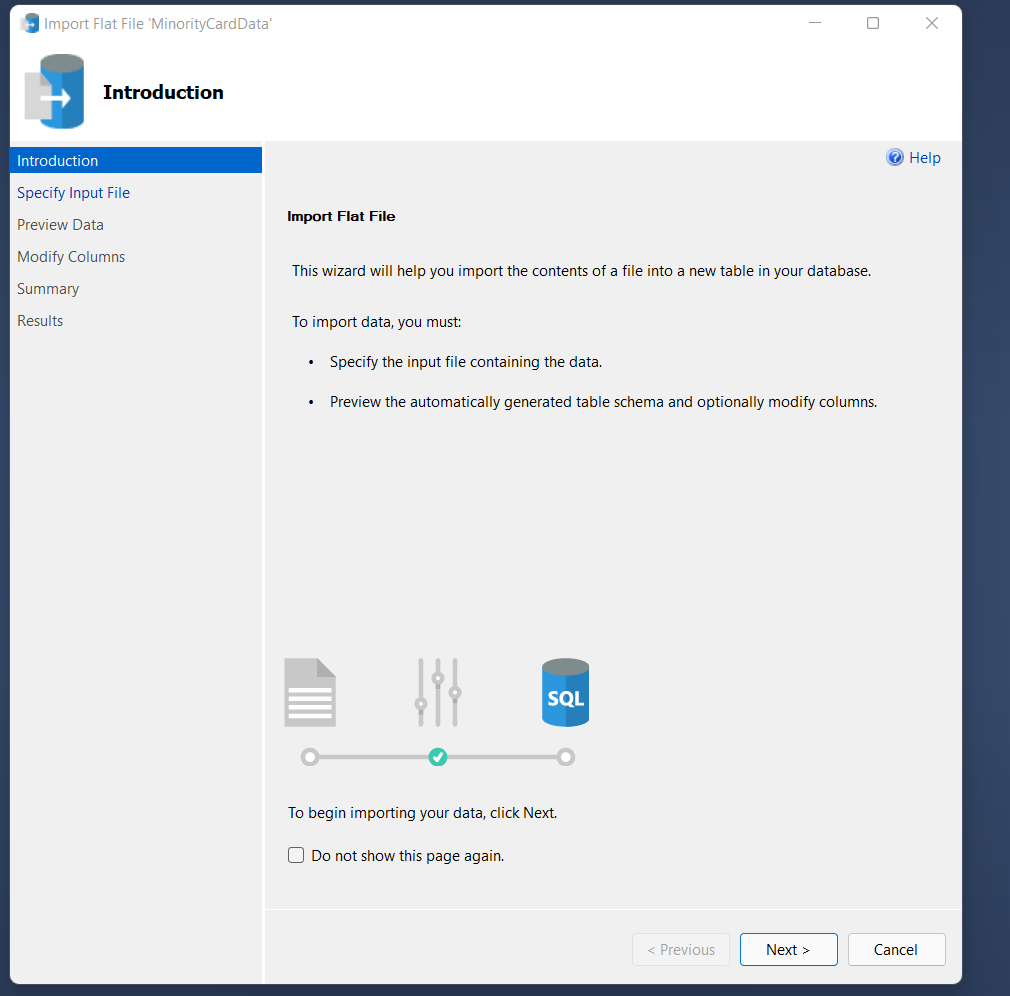
Next
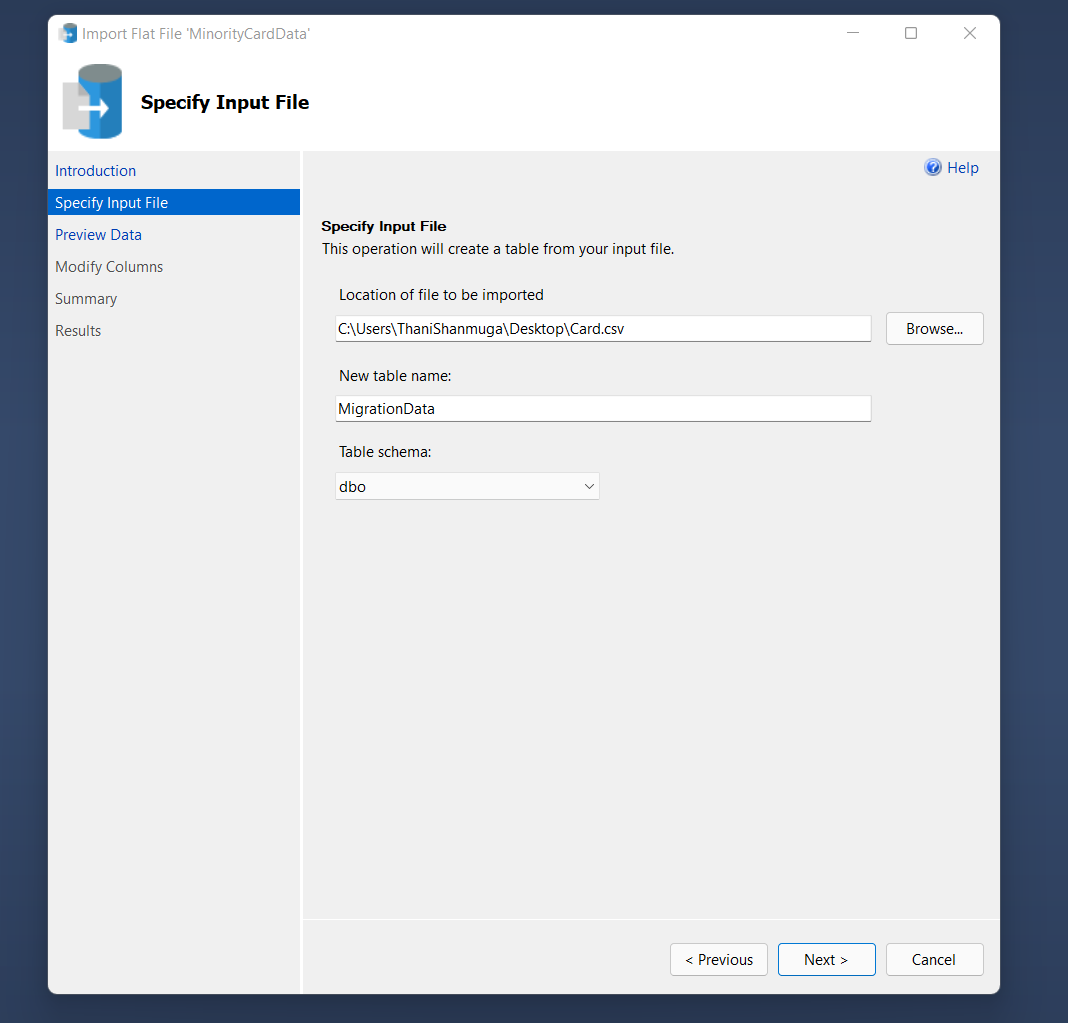
Choose CSV fie location which we export from wallet DB
Enter the new table name (To save Exported data into the CDE CardData DB)
Table Schema: dbo
Next
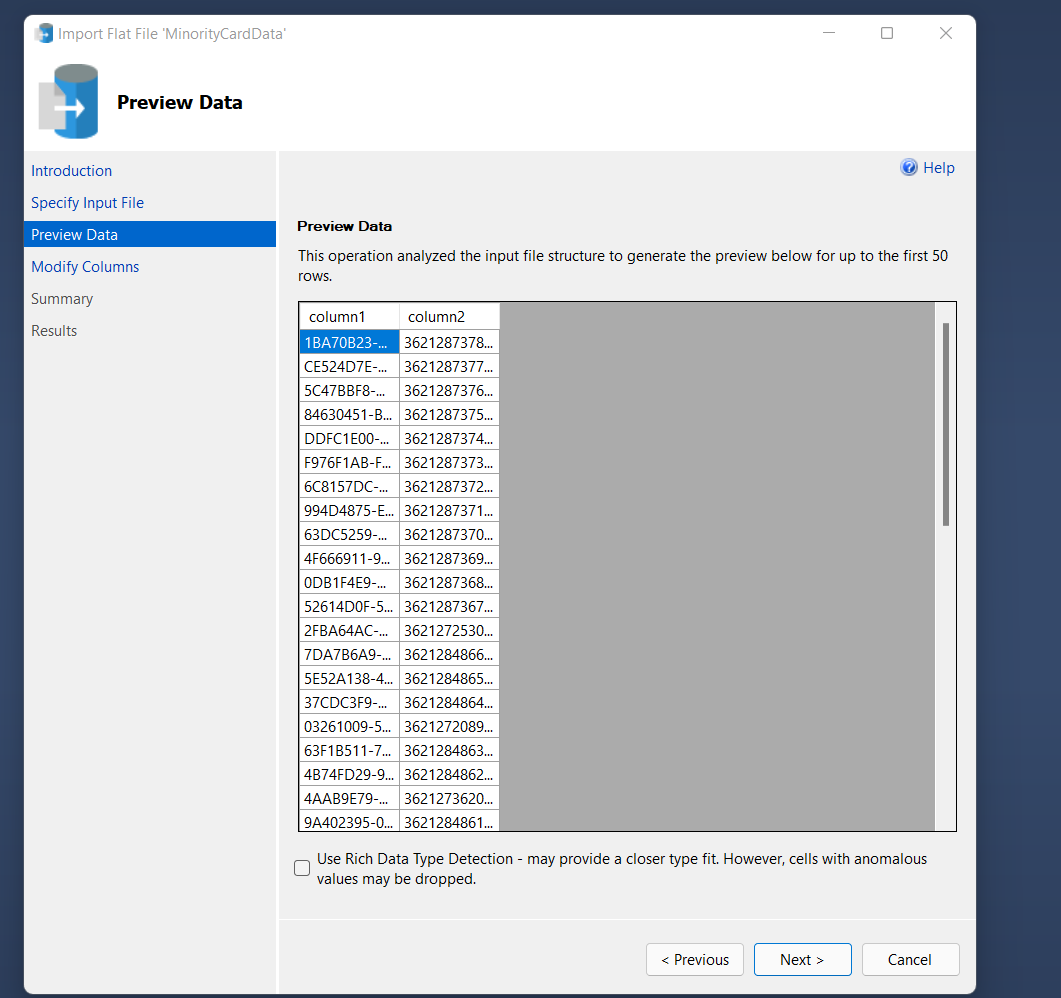
Next
Give the column name and datatypes accordingly for the new table
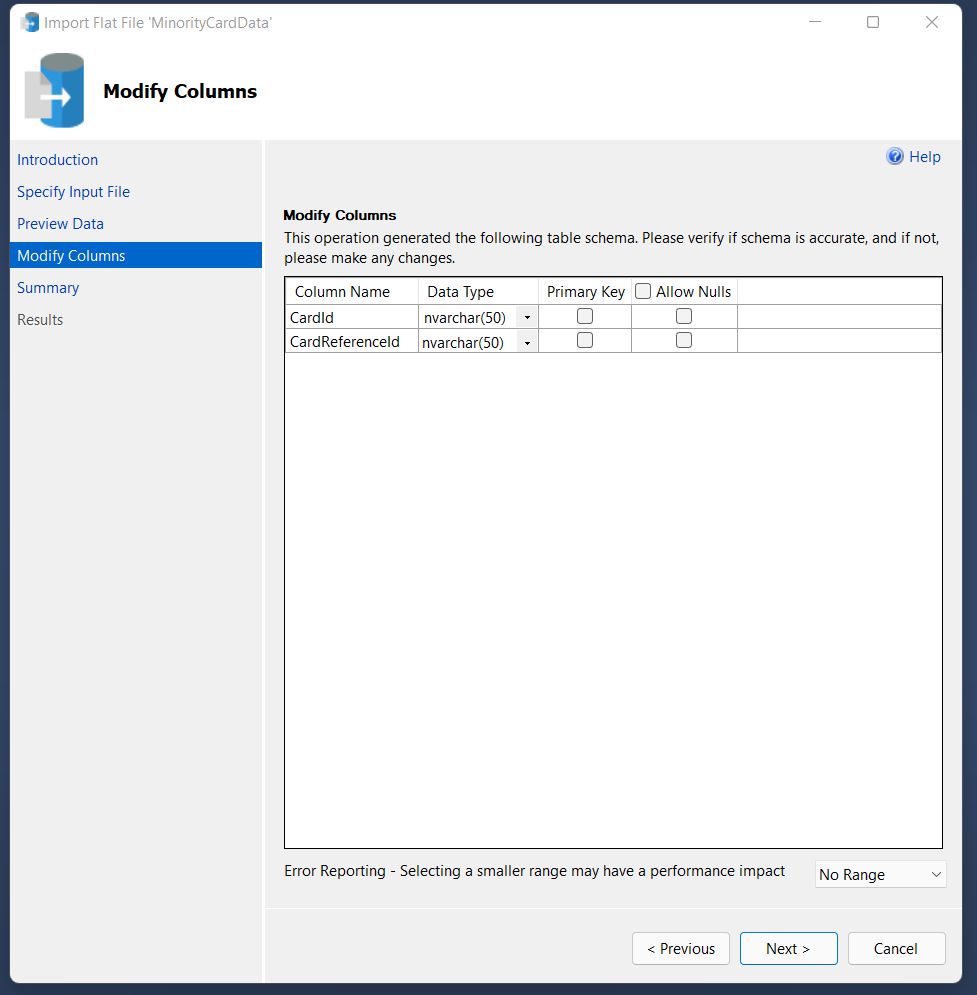
Next
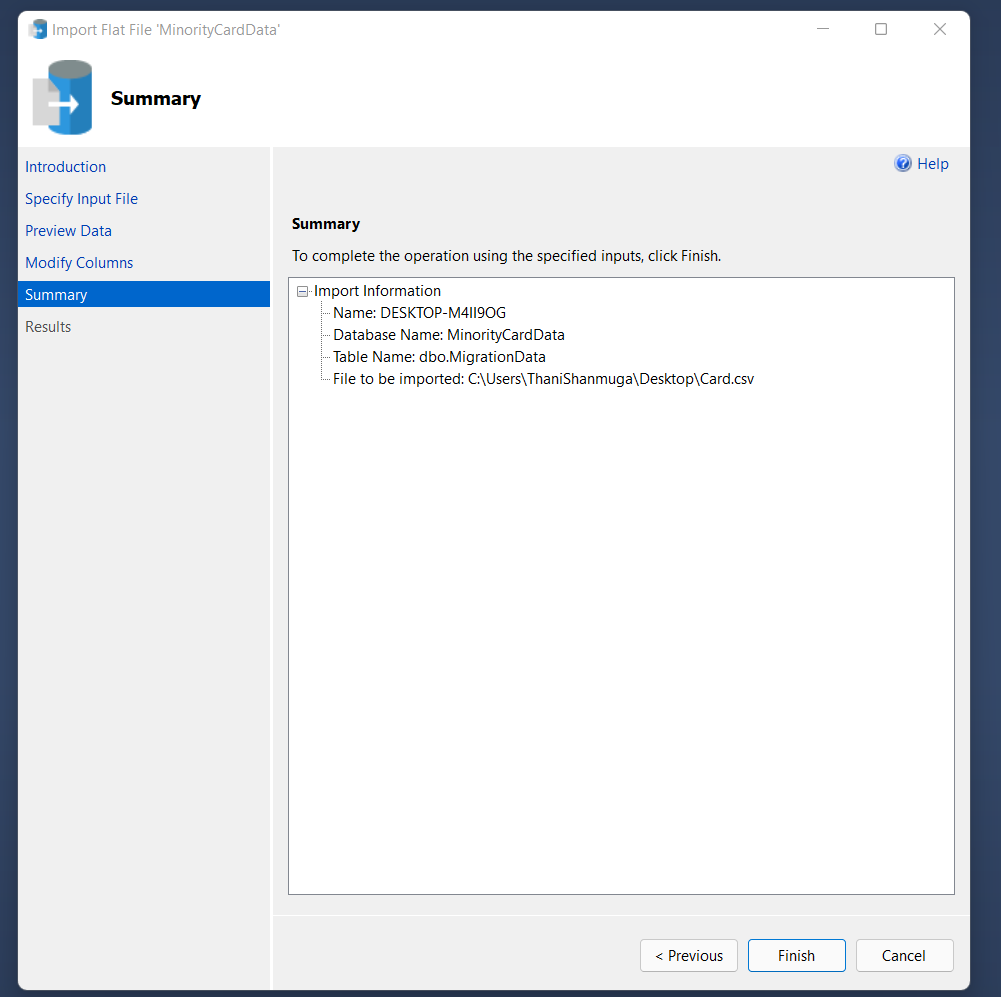
Finish
Now All the data inside the CDE CardData DB MigrationData table
-
Run the Query to Update the CardId
UPDATE c SET c.[CardId] = m.[CardId] FROM [Card] c INNER JOIN [MigrationData] m ON c.CardReferenceId =
m.ExternalReferenceId WHERE c.[CardId] IS NULL